How to write a first email a founder will answer
Short, specific and about one thing. How to set up the Leads agent, its voice settings and the approval queue so every first email sounds like you on a good day.
Founders read their own email. That's the good news. The bad news is that they read a lot of it, quickly, on a phone, between two other things. A first email gets about as long as it takes to read the preview and the first two lines.
I've sent and received enough of these, as a founder and as someone selling design work to founders, to have strong opinions about what gets a reply. The Leads agent in Istos is built on those opinions. This guide covers what a good first email looks like, then how to set Istos up so its drafts start there.
What founders ignore
Before the shape of a good email, here's what tends to get skipped:
- The warm-up paragraph. "Hope this finds you well" spends the preview on nothing.
- The menu. An email that offers an audit, a retainer, a workshop and a call gives the reader four decisions. They make none.
- Claims with no number. "We help startups grow faster" could be anyone. "We cut onboarding from nine screens to four for a payments app" is someone.
- Big promises. Words like "guarantee", "10x" or "skyrocket" read as a template, even when they aren't.
The shape of an answerable email
Here's an example, written by the kind of person Istos was built for: a product designer selling a fixed-price product teardown. The company and names are made up.
Subject: Your signup flow on mobile
Hi Amina,
I'm Jordan, a product designer in Berlin. I'm writing because Kijani Pay's signup asks for a lot before people see the product.
Last year I reworked onboarding for a payments app and cut it from nine screens to four. Completed signups went up by a third.
I do a paid product teardown: a recorded walkthrough of your flow with fixes your team can act on the same week. It's $500, done in five days.
If that's useful, there's a slot here: cal.com/jordan/intro
Thanks for your time.
Jordan Reyes
It's under 100 words. The first two lines say who and why. There's one proof point with real numbers, one offer with a price, one link. That's the whole pattern, and it's what the Leads agent is told to write.
Set up the Leads agent to write like that
Give it something true to say
Add your resume, a few things you've written and a short brief to Knowledge. Pin the documents that matter most and they're read first. The proof point in every email comes from here, so a real result with a real number is worth more than a long bio.
Say what you sell, once
Under Settings, then Leads and jobs, fill in What lead emails sell. One offer and what it is, for example "a paid product teardown ($500): a recorded walkthrough of their product with fixes they can act on". Leave it empty and Istos uses the first offer your knowledge base names.
Tell it who's worth writing to
Lead checks is what each lead is scored on, in order of weight. Empty, Istos uses neutral checks: does the lead match who you sell to, can they buy, are they a decision maker, and is the budget plausible. Leads are scored out of ten, and six or more counts as qualified.
Set your voice and sign-off
Under Voice and signature: Who you are is one line that follows your name in every prompt. Rules about you holds facts the agent must get right and claims it must never make, one per line. Add a Booking link if you want lead emails to close with one, and a Lead sign-off if it differs from your usual signature.
Check how lead emails go out
Send lead emails through starts on your connected email: your own mailbox if you've added one, otherwise your Gmail. You can also choose Your own mailbox (SMTP), or Instantly on Studio. A choice you can't use yet stays in the list, greyed out, with the reason: connect it on Connections, or it's on the Studio plan. How to connect Gmail or your own mailbox covers the setup.
Where the leads come from
Istos doesn't sell you a database of strangers. Leads come from three places you control:
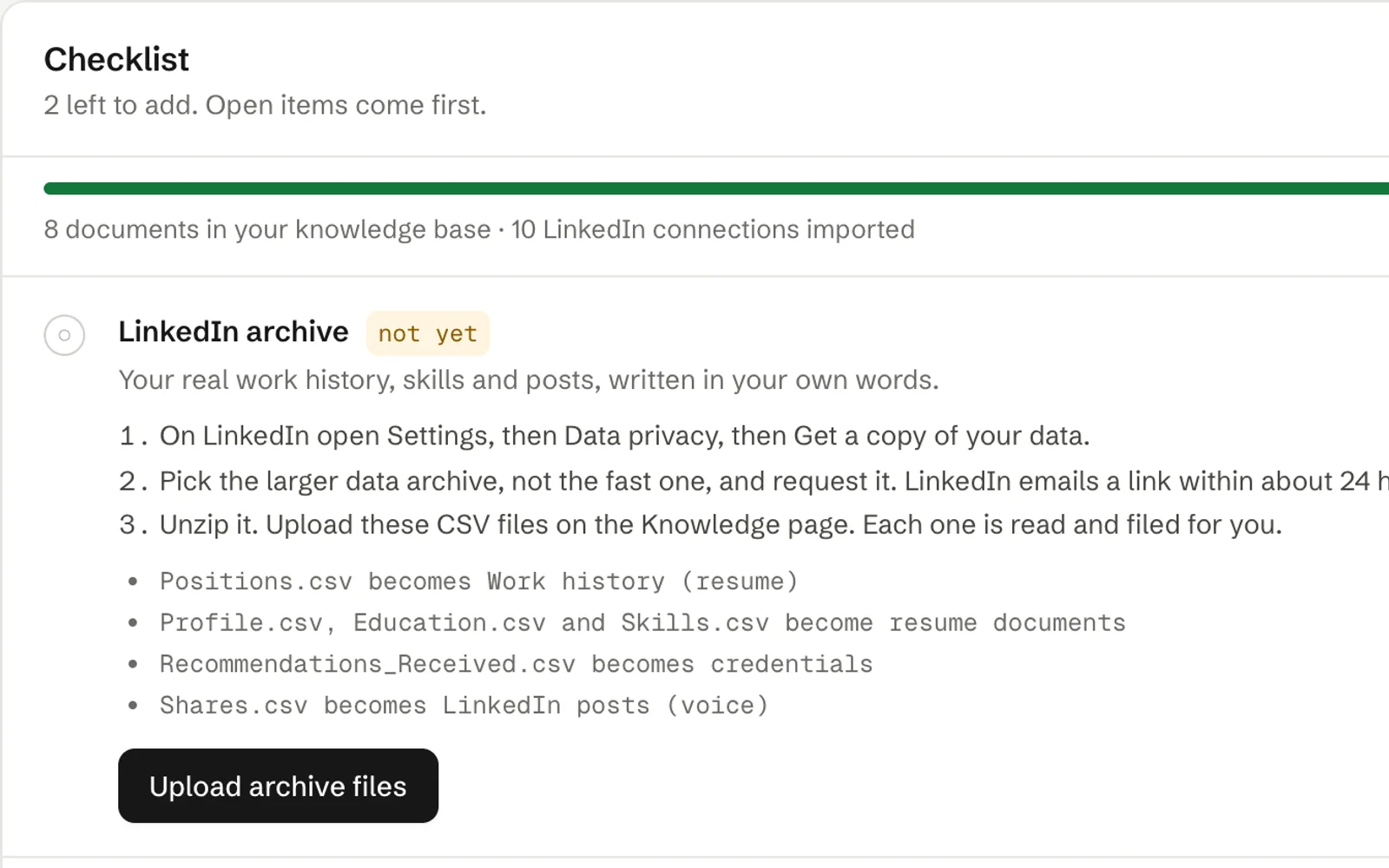
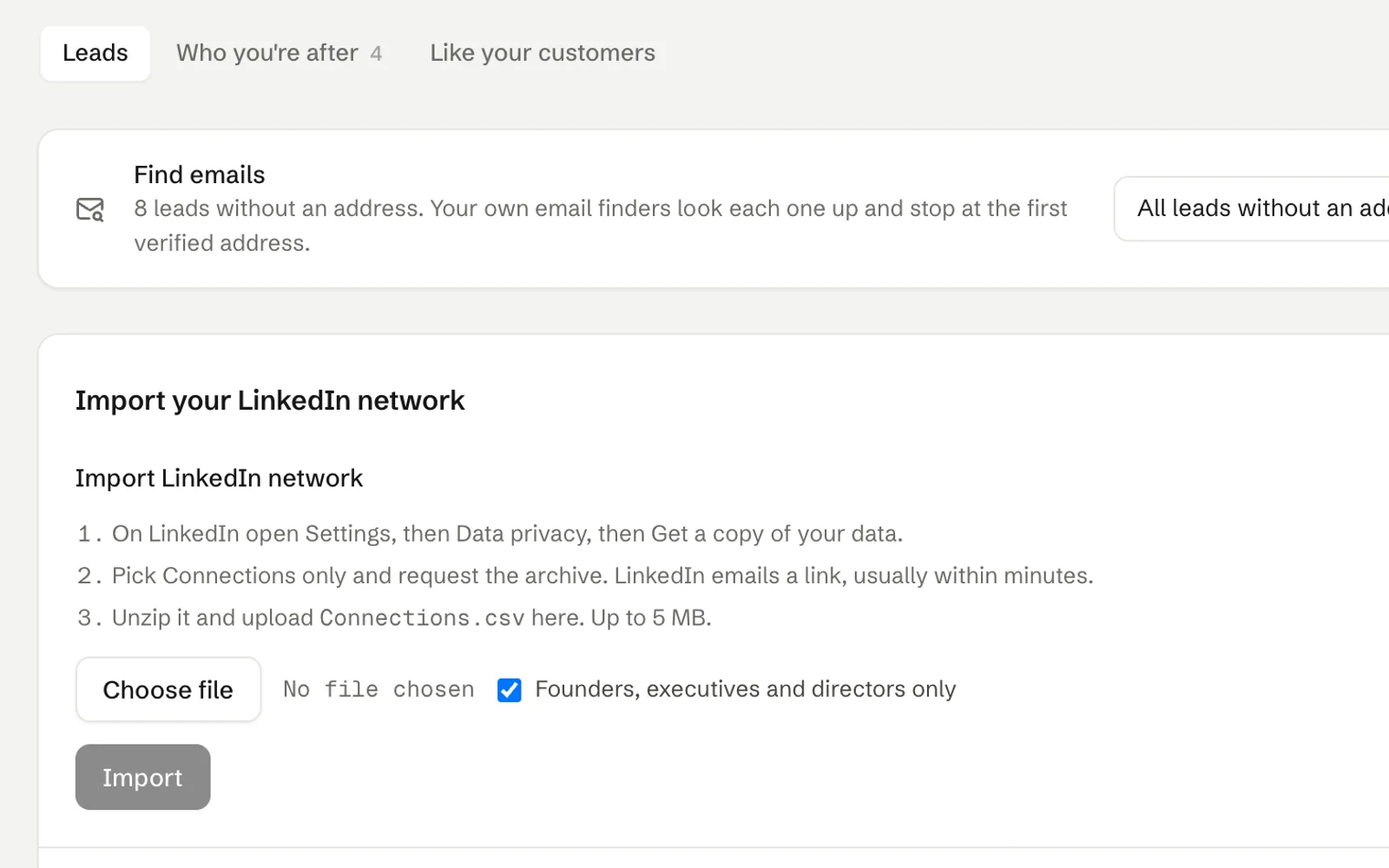
- Your own list. Add people by hand, or, on Pro and Studio, import your LinkedIn connections.
- News. Every morning Istos reads the tech press for funding rounds, new offices and hiring. Tick the companies you want and they go into a prospect list for the Leads agent.
- The free preview. On the home page, the website tab reads your site, works out who buys from you and finds companies in this month's news that might. It names roles, not people, so you decide who to contact.
For each lead the agent writes down why it scored the way it did, plus two or three concrete things a first email could mention. Those notes travel with the draft.
What the draft is told to do
You don't need to write prompts, but it helps to know the rules each first email is written under:
- Your voice. Short plain sentences, one thought each, under 130 words before the closing.
- Open with who you are and why you're writing, in two lines.
- One proof point from your knowledge base that matches the lead's industry, with one real number. Nothing invented.
- The one offer, in a sentence or two.
- No hype adjectives, no growth promises, no em dashes, no bullet points, no links other than your booking link.
- Close with "Thanks for your time." and your sign-off.
If a draft still slips in a word like "guarantee" or "10x", it gets a Check wording note, so you see it before you approve.
Read it in the queue, then approve
Every draft lands in the Queue with the reason it was written. Open it and you'll see the recipient, the subject, the body and the agent's notes: the proof point it used and the channel it'll go out on.
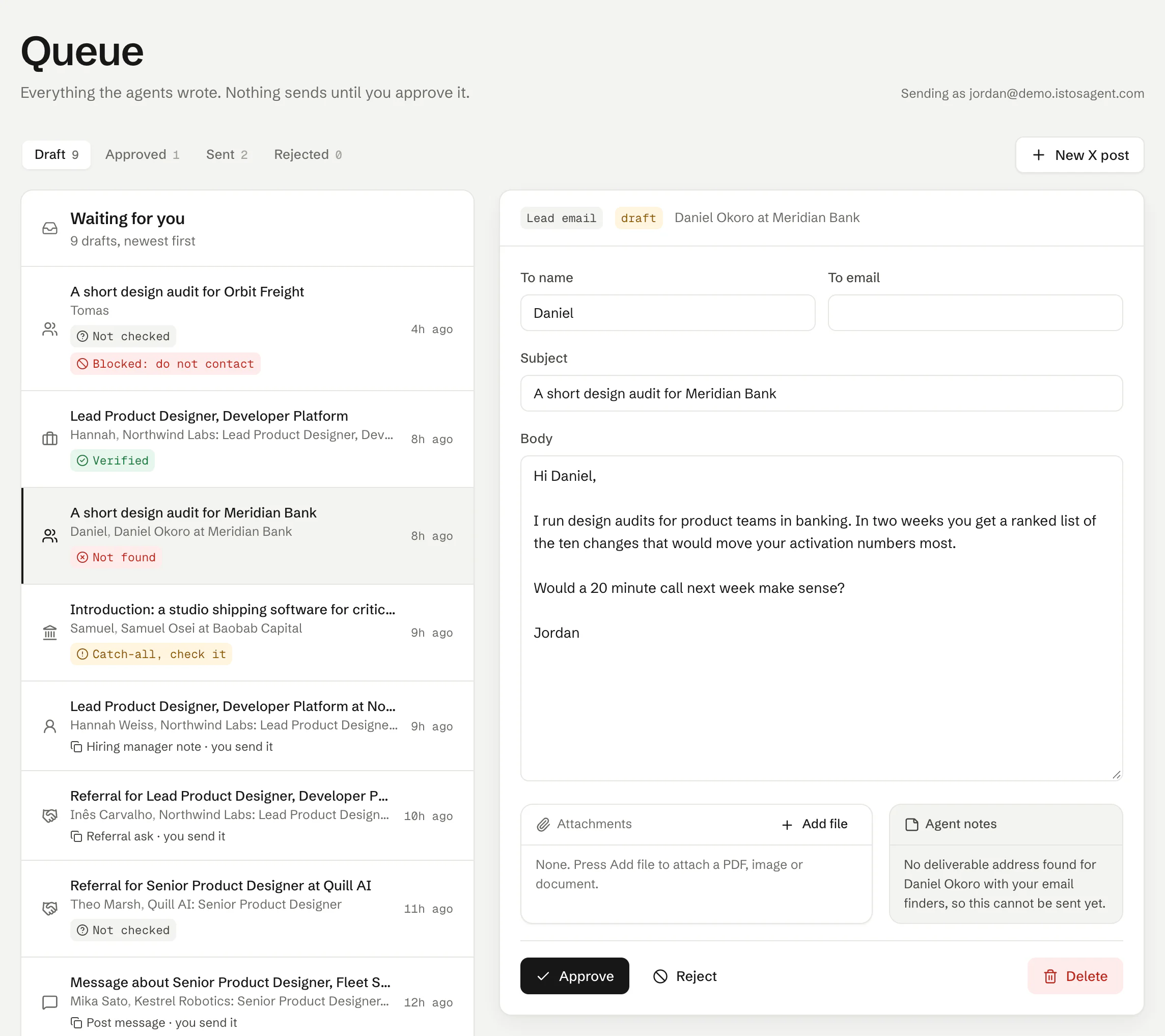
A first email in the queue on demo data. Short, one offer, one ask. Nothing sends until you approve it.
Read it out loud once. If a sentence sounds like nobody you know, change it. Then approve or reject. Reading, editing and approving never count as agent runs.
Approved email goes out from your own address, so replies land in your own inbox. If your Gmail is connected, Check replies finds replies to what you sent and marks the lead as replied. A mailbox added over SMTP can send but can't read replies, so connect Gmail as well if you want that.
A few habits that help
- Send fewer. Pick the ten leads you'd most like to hear back from and spend your edits there.
- Change one thing per draft. If you edit the same phrase every time, put the fix in Rules about you so the next draft starts right.
- Follow up once, kindly. A short second note a week later is normal. A third is usually noise.
The test I use: could the founder forward it to their cofounder with "worth a look?" and nothing else? If yes, approve it. If not, edit until it could, or reject it and move on.
Let the agents do the searching
Istos is in private beta. Join early access, or try the free preview on your resume, your website or your raise first. Nothing sends until you approve it.