How to use the warm path on a job
Before you apply, look for a better first door. People you know there, who the role reports to, something true to say, and when to follow up, all on the job's own page.
An application through a careers page is the coldest way into a company. A referral from someone who works there, or a short note to the person the role reports to, usually goes much further. The warm path is where Istos lays those doors out for one role, in the order that usually works, before you send the application.
It lives on each job's own page: open Jobs, then any role. The Warm path panel comes first.
1. People you know there
Istos matches your imported connections to the role's company and lists who works there, best first, with what you have in common: a company you were both at, the same city, or a mention in your own notes.
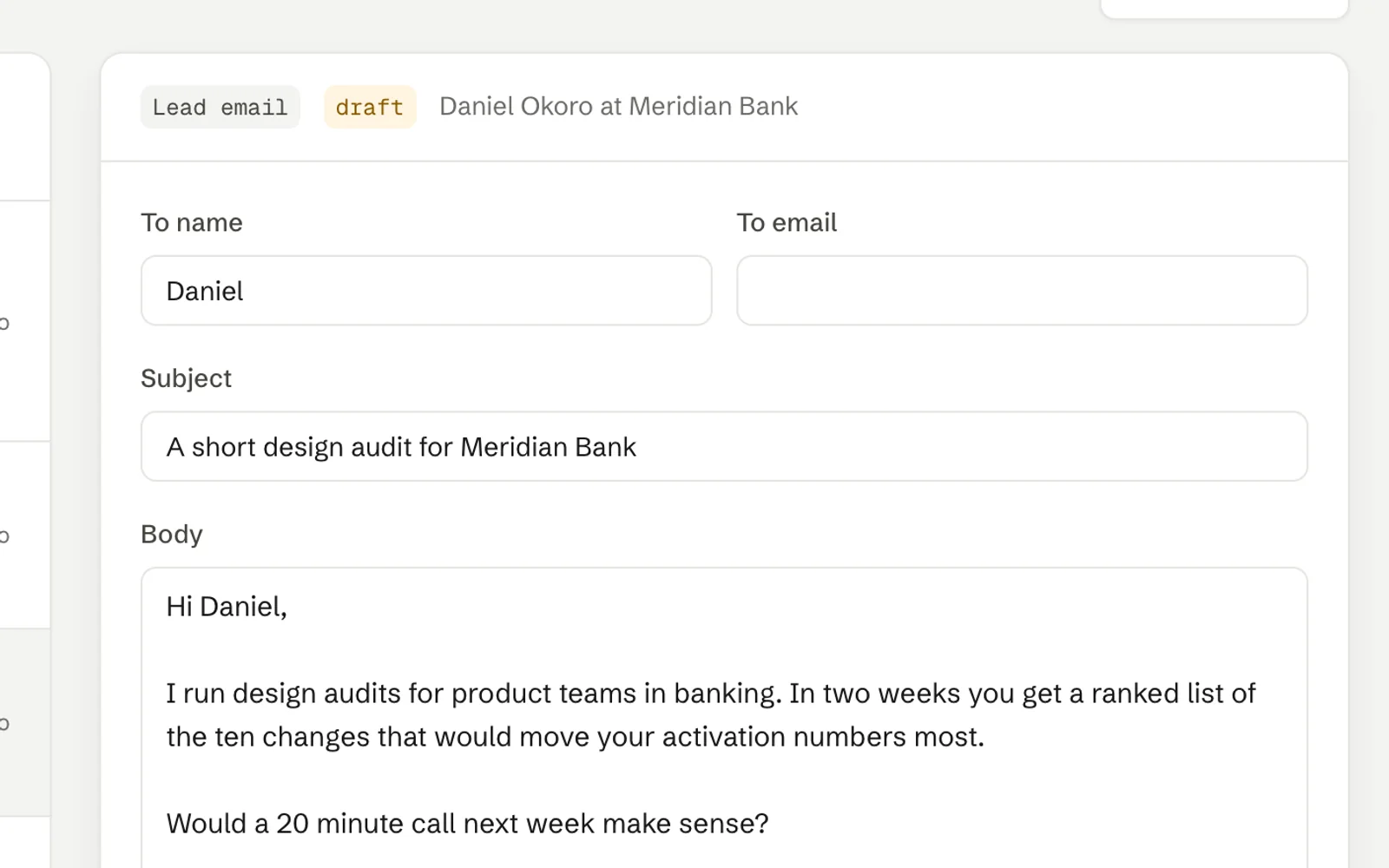
For each person you can press Draft referral ask. Istos writes a short, specific ask from your documents and the posting, and puts it in your queue. If their email came with your LinkedIn export, it sends from your address once you approve it. If not, it's a LinkedIn message you copy and send yourself.
On Starter you'll see how many people you know at the company, with their names hidden. Names and referral asks are part of Pro.
2. The hiring side
Reports to is read from the posting itself, quoted, so you can see where it came from. Below it, Istos reads the company's own team pages and lists the people it found, marking the most likely manager. Check again reads the pages again, and the list under it says which pages were checked.
Searches you run yourself opens a LinkedIn or Google search for that person's title at that company, in a new tab. You run it; Istos never searches or reads LinkedIn.
If you find the right person, type their name under Their email and press Find email. Your own finders look the address up; Istos never guesses one. Then Draft hiring manager note writes a short note to them, which waits in your queue like everything else.
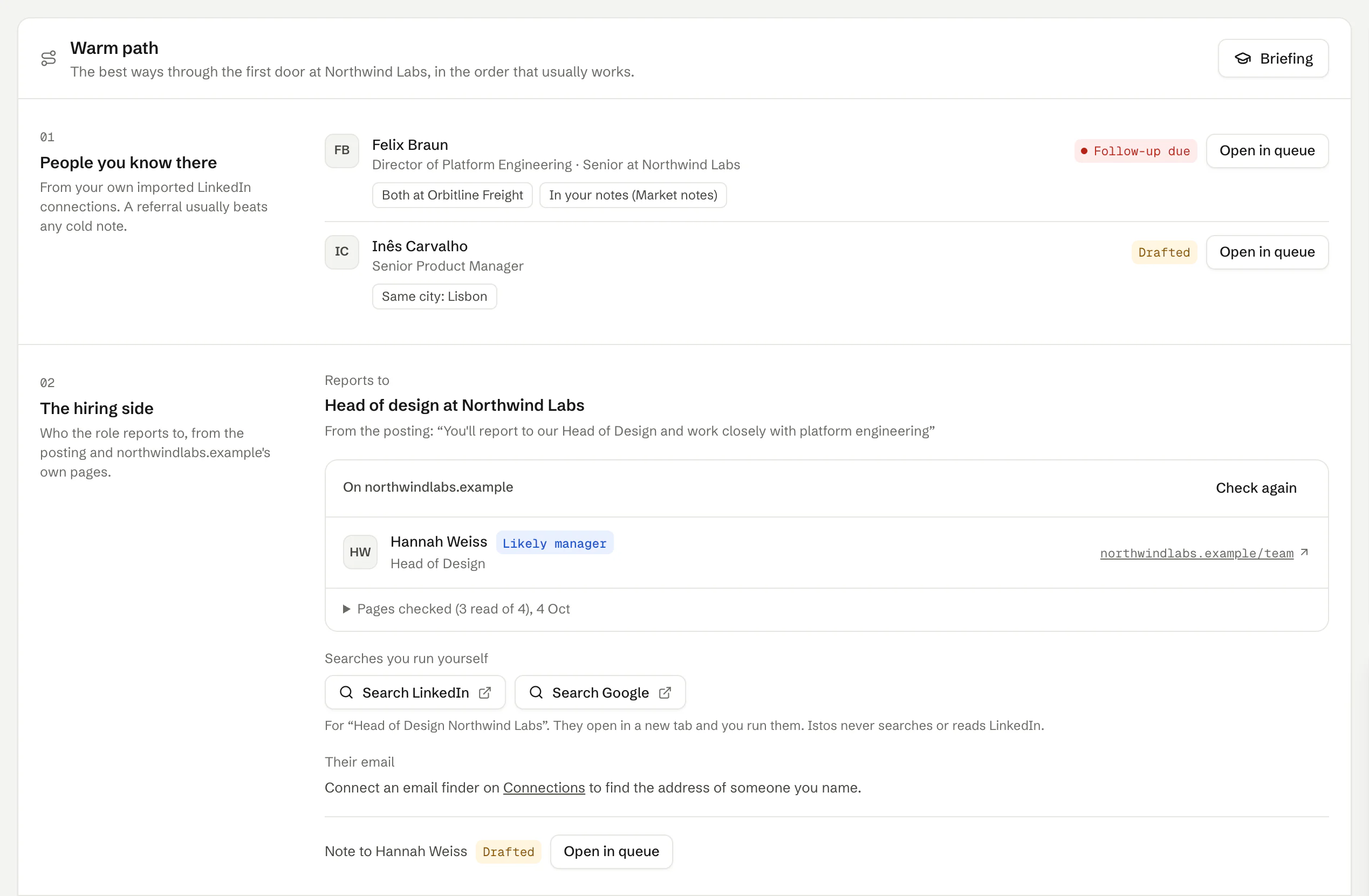
The first two sections of the warm path. On demo data.
3. Something worth saying
The hardest part of a cold note is the first line. Istos gives you openers from its news feed: the company raised, opened an office, started hiring for a new team. Each comes with its source and date, and a hint on how to use it.
Under that is Why you, requirement by requirement: each thing the posting asks for, next to your proof from your own documents, marked Strong, Partial or Gap. It's matched in plain code against what you've written, never invented. Where it says Gap, there's a link to add a story about it to your knowledge base, if you have one to tell.
4. Timing and follow-up
The first line tells you whether now is a good moment, for example when the company had news this week. Below it, every ask you've drafted for this role, with where it stands: Drafted, Approved, Sent, Replied, or Follow-up due.
Approving a referral ask or a note to the hiring manager sets a reminder for five working days later. When it's due, it shows here and on the bell. Press Mark replied when they answer, or Close if it's done.
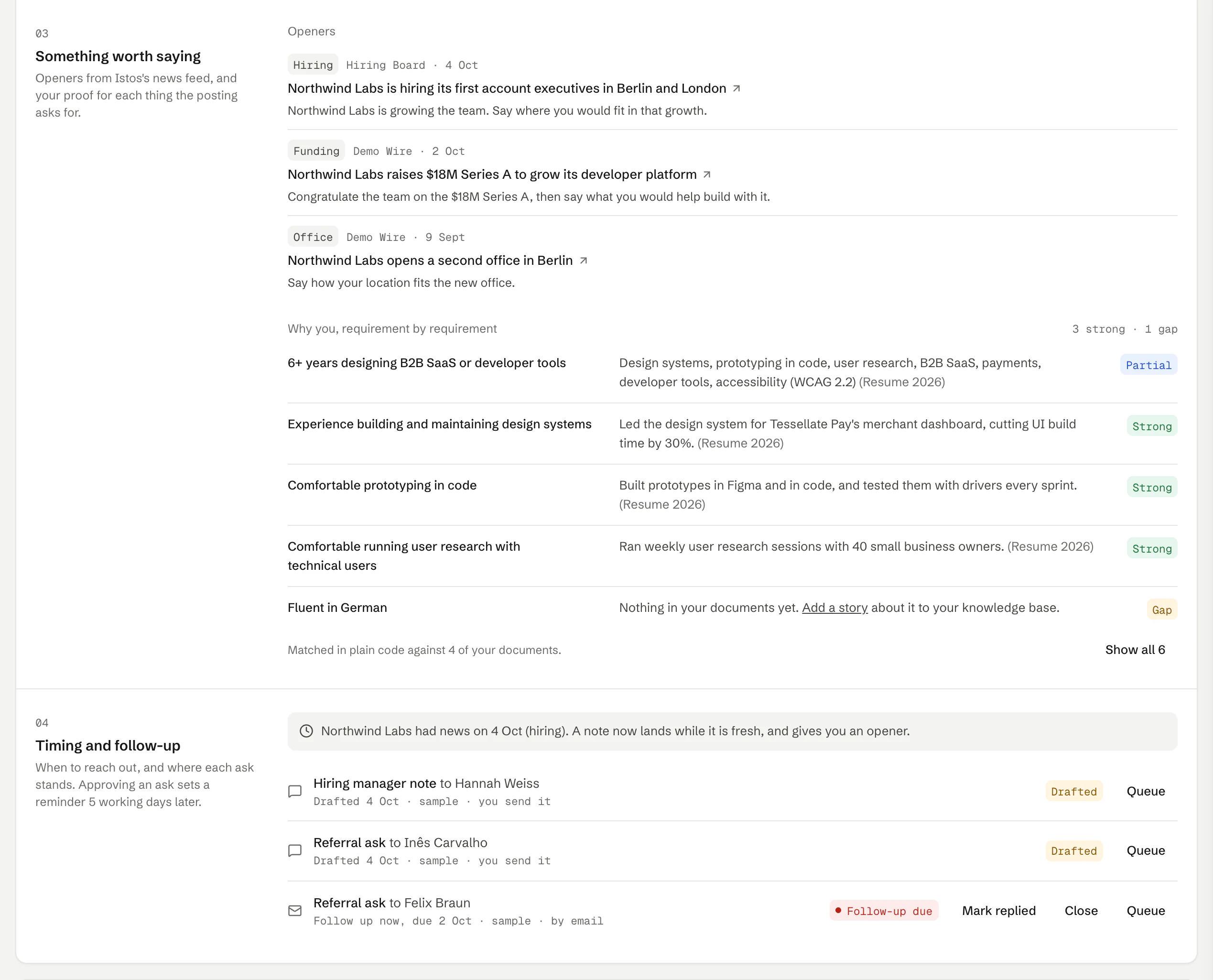
The last two sections of the warm path. On demo data.
Use the briefing before a call
The Briefing key at the top of the panel gathers the openers, the why-you map, the team Istos found and the questions the posting suggests into the job's interview prep, so it's all on one page before a call. Update briefing refreshes it later.
The order I'd follow
- Read People you know there. If someone's there, a referral ask goes first.
- If not, find the person the role reports to and send them one short note.
- Open with the freshest true thing from Something worth saying.
- Approve the application last, after the note, so it lands while your name is fresh.
Everything here is a draft until you approve it. Nothing goes to LinkedIn on its own: messages meant for LinkedIn are copy-and-send, and Istos never posts or sends there.
If something goes wrong
- "No Warm path for this job." The role was flagged as a likely scam, so Istos reads nothing more about it and writes no drafts. The Checks card on the same page says why. Apply only through the company's own site, if at all.
- "This role is closed." Istos writes no new drafts for a closed role. Asks you already sent still show their status.
- Nobody you know there. Either nobody in your connections works there, or you haven't imported them yet. Import on Leads takes you there.
- No team found. Istos needs the company's website to read its team pages. Add the website to the company on your watchlist.
- Drafts are marked Sample. No model is connected yet, so drafts are built from your documents in plain code. Edit them into your own words before you approve.
Next: what happens in the queue, where every one of these drafts waits for you.
Let the agents do the searching
Istos is in private beta. Join early access, or try the free preview on your resume, your website or your raise first. Nothing sends until you approve it.